
FOR CLAIMS AND RESTORATION PROS
A Simple Guide to Getting Started With iink
This guide walks you through the steps every restoration pro takes to set up their account and get payments flowing.
Your Quick Start Checklist.
Want to jump right in? This checklist is to help you get started on your own with iink.
- Go to app.iink.com and click “Sign Up”
- Enter your information as required
- Verify your email address
- Setup multi-factor authentication (MFA)
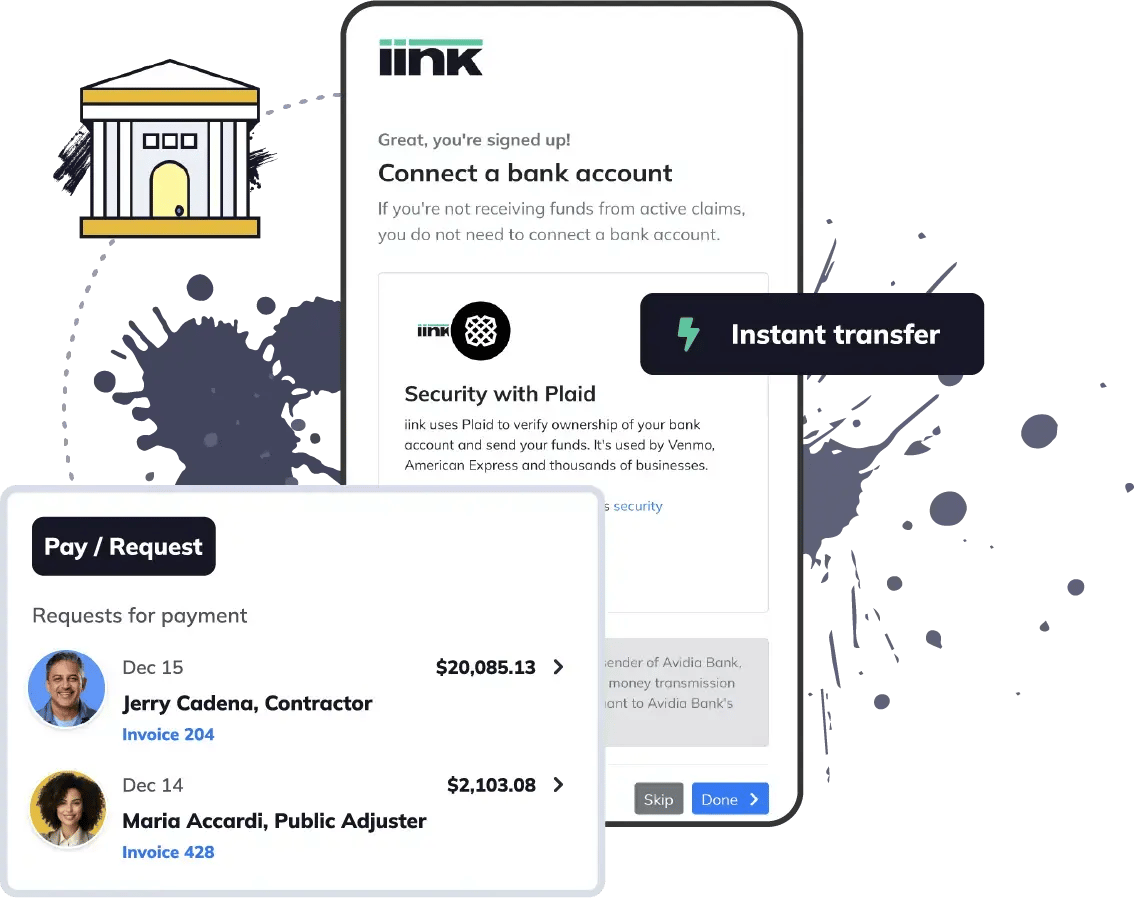
- Connect your bank account
- Connect your credit or debit card
- Submit your business details
- Verify owner(s) identity
- Login to iink and click “Start New”
- Upload check images, front and back
- Is there a mortgage company listed?
- Add required claim details and documents
- Confirm the payees listed on the check
- Enter their mobile number and email
- Add payment recipients that aren’t listed on the check, if needed
- Designate how funds are to be disbursed before clicking “Submit”
- Select send for signature or have iink review the payment
- Sign/approve the payment when prompted
- Monitor signing progress, payment file messages, and shipping labels
- Upload back check image with mortgage endorsement when received
- FedEx 2-Day label is provided for mortgage checks once everyone signs
- Return labels are provided to the mortgage company addressed to you
- Document requests should be uploaded to the payment file
- Mortgage progress inspections can be requested in the payment file
- When all endorsements are complete, funds will clear to your iink Wallet
- You can transfer funds from your iink Wallet to your bank account
- You can send or request funds from anybody with an iink account
Support
Contact Information
Important Links
Curious what your homeowners will experience?
Homeowner Education
Need Onboarding? We Can Walk You Through It.
If you have not completed a live onboarding session with the iink team, you can schedule one at any time. Our specialists will walk you through every workflow, answer questions, and make sure your team is set up for success.